Ever needed to message someone on WhatsApp just once — a delivery rider, a seller from an online listing, a customer support number — without permanently saving their number to your contacts? There's a built-in WhatsApp feature for exactly this, most people just don't know it exists.
The Trick: WhatsApp's "Click to Chat" Link
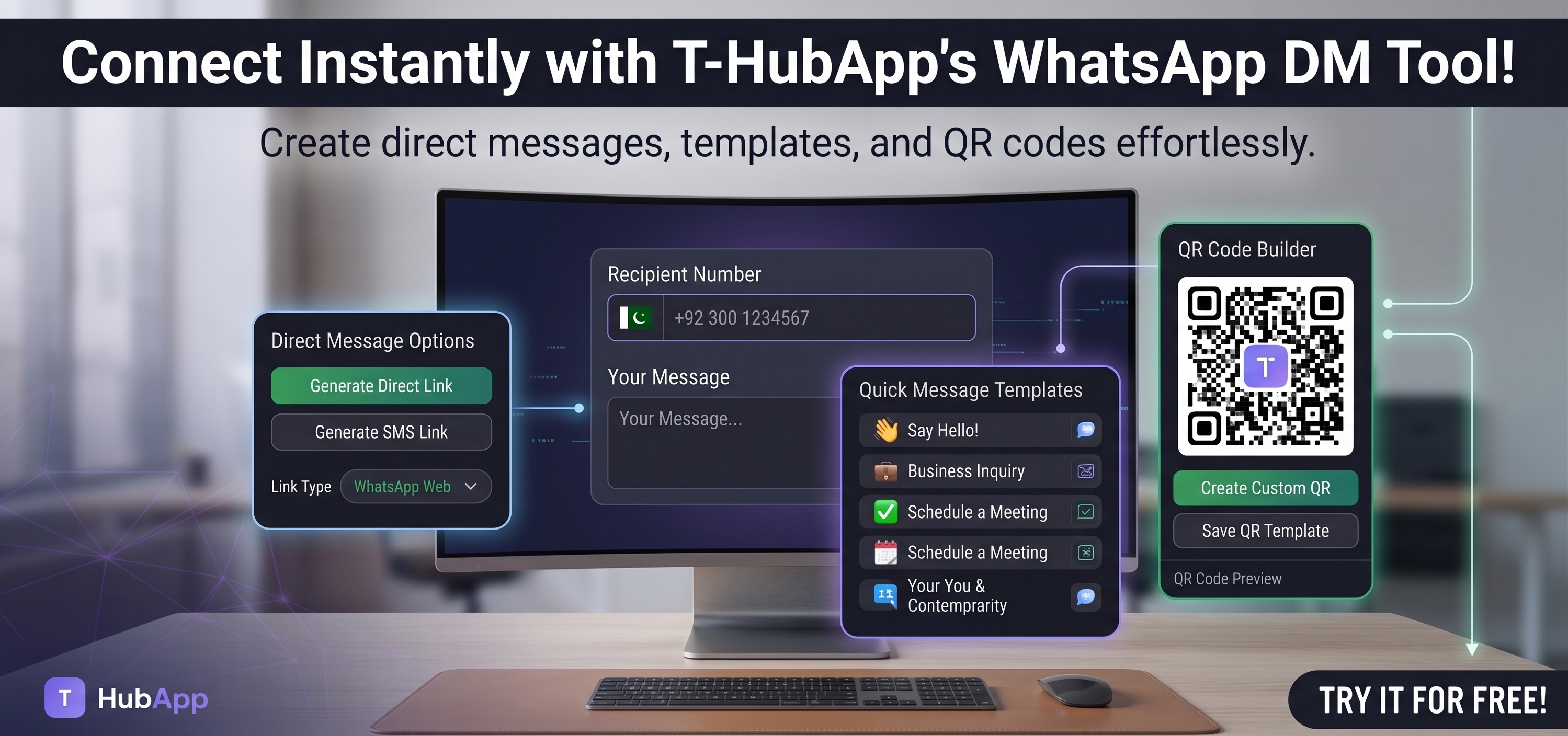
WhatsApp supports opening a direct chat with any phone number through a specially formatted link — no saved contact required. Type the number (with country code, no spaces or symbols) into the WhatsApp Direct Message Tool, optionally add a pre-filled message, and it generates a link that opens straight into a chat with that number when clicked.
Where This Is Actually Useful
- One-off messages — a number from a classified ad or business card you don't want cluttering your contacts
- Business "Chat with us" buttons — put the generated link on a website, Instagram bio, or email signature so customers can message you directly with no back-and-forth of "please save this number first"
- Pre-filled messages — include a starter message like "Hi, I'm inquiring about [product]" so customers don't start from a blank chat
- QR codes on packaging — combine this with a QR code so scanning it opens a WhatsApp chat directly
Common Mistakes
- Wrong country code format. The number needs the country code with no leading zero, no plus sign issues, and no spaces — e.g. a UK number starting 07... becomes 44 followed by the number without the leading 0.
- Assuming it works without WhatsApp installed. The link opens WhatsApp (app or web) — if the person doesn't have WhatsApp, it won't work, same as normal.
- Forgetting mobile vs desktop behavior. On a phone it opens the WhatsApp app directly; on a computer without the desktop app, it opens WhatsApp Web instead.
FAQ
Does the other person see that I didn't save their number?
No — WhatsApp doesn't show the sender whether the recipient has them saved as a contact.
Can I use this for a WhatsApp Business number?
Yes, it works identically for personal and WhatsApp Business numbers.
Will this work if I don't have the person's number saved either?
Yes — that's the entire point. Neither side needs to have saved the other's number.