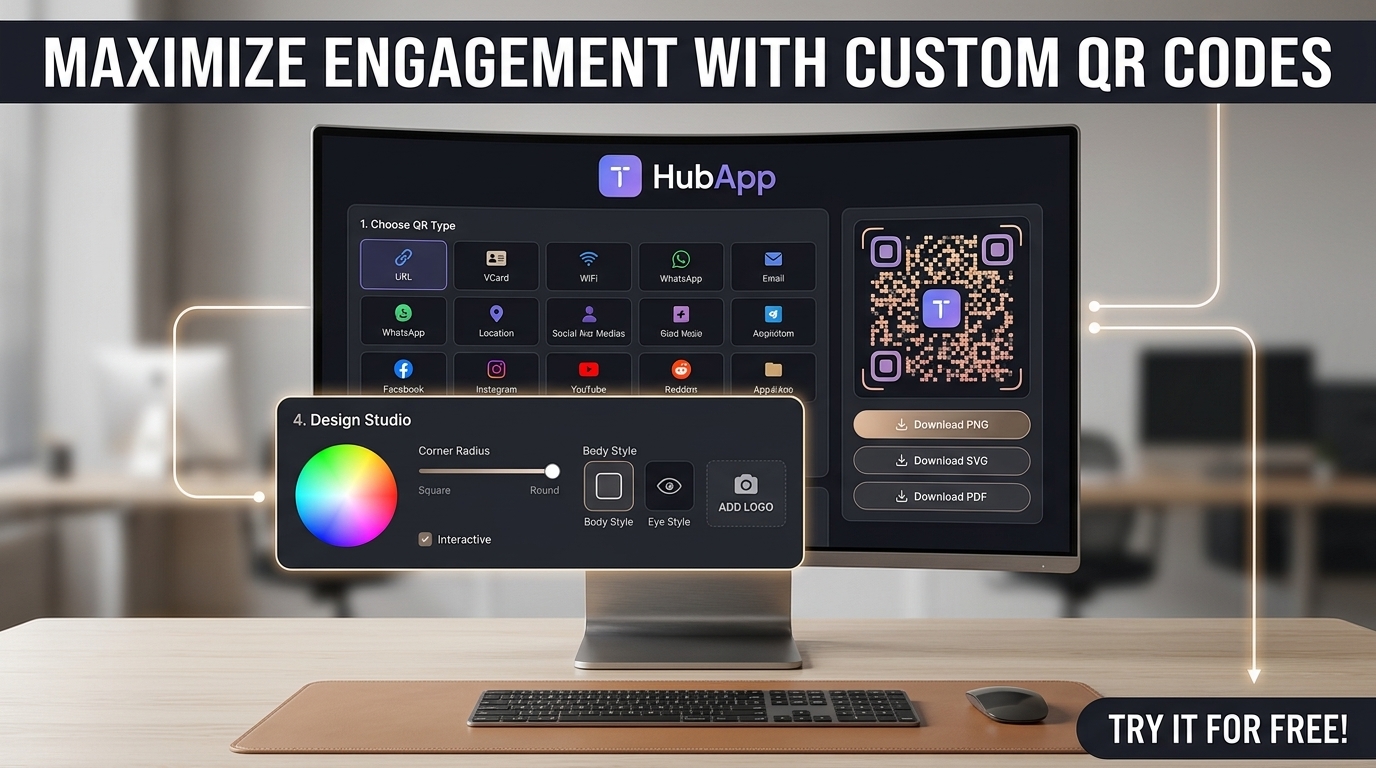
Whether you need a digital restaurant menu, contactless business cards, or packaging links, QR codes are the fastest bridge between physical marketing and digital traffic. With any modern smartphone camera app, users can scan a code in less than a second.
Here is how you can generate a permanent, high-resolution QR code instantly—without creating an account, paying a subscription, or dealing with watermarks.
What You Can Encode in a QR Code
Modern QR codes support multiple data types depending on your business objective:
- Website URLs: Direct customers to product landing pages, restaurant menus, or booking forms.
- WhatsApp Direct Chat: Pre-fill a message so customers can order or inquire with one tap.
- Wi-Fi Access: Let guests connect to your guest network without manually typing passwords.
- vCard / Contact Info: Add your phone number, email, and company details straight to a client's contacts.
- Payment Links: Route users directly to your Stripe, PayPal, or local payment checkout.
Step-by-Step: How to Create a Free QR Code
- Go to our free QR Code Generator.
- Select your input type (URL, plain text, or contact data) and paste your link.
- Preview the generated code in real time.
- Download the high-resolution PNG or SVG file.
- Test-scan the file with your own smartphone before printing.
Static vs. Dynamic QR Codes: Which Do You Need?
Understanding the difference between static and dynamic codes prevents expensive reprint costs:
| Feature | Static QR Code | Dynamic QR Code |
|---|---|---|
| Data Storage | Directly embedded in the pattern | Redirects via a short URL |
| Editable After Print? | No (Permanent) | Yes (Can change destination) |
| Cost & Account | 100% Free / No Signup | Usually requires paid subscription |
| Expiration | Never expires | Can expire if subscription ends |
| Best For | Wi-Fi, permanent links, vCards | Seasonal campaigns, A/B testing |
Why Do QR Codes Fail to Scan? (Printing Checklist)
Most unscannable QR codes suffer from printing or contrast issues rather than software bugs. Keep this checklist in mind before running large print batches:
- Minimum Print Size: Never print smaller than 2 cm x 2 cm (0.8 x 0.8 inches) for close-up scanning. Use larger dimensions for billboards or posters viewed from a distance.
- High Contrast: Always keep the background light and the code dark (classic black-on-white provides the fastest read). Inverted or low-contrast colors often fail under poor lighting.
- The Quiet Zone: Maintain a clean, blank border around the edges of the QR code. Cutting too close to text, logos, or graphic borders breaks edge detection.
- Surface Material: Avoid high-gloss lamination in areas with strong overhead lighting, as flash reflections can blind camera sensors. Matte finishes scan much more reliably.
Frequently Asked Questions (FAQ)
Do static QR codes expire?
No. A static QR code directly stores the data you entered. It will work indefinitely as long as your destination link or website stays active online.
Can I use this QR code for commercial use?
Yes. The generated codes are completely royalty-free and can be placed on retail packaging, marketing banners, menus, and client work without watermarks.
Does a QR code require internet to generate?
The code is generated instantly in your browser. While scanning plain text or Wi-Fi credentials works offline, scanning a website URL requires the scanning device to have an active data connection.