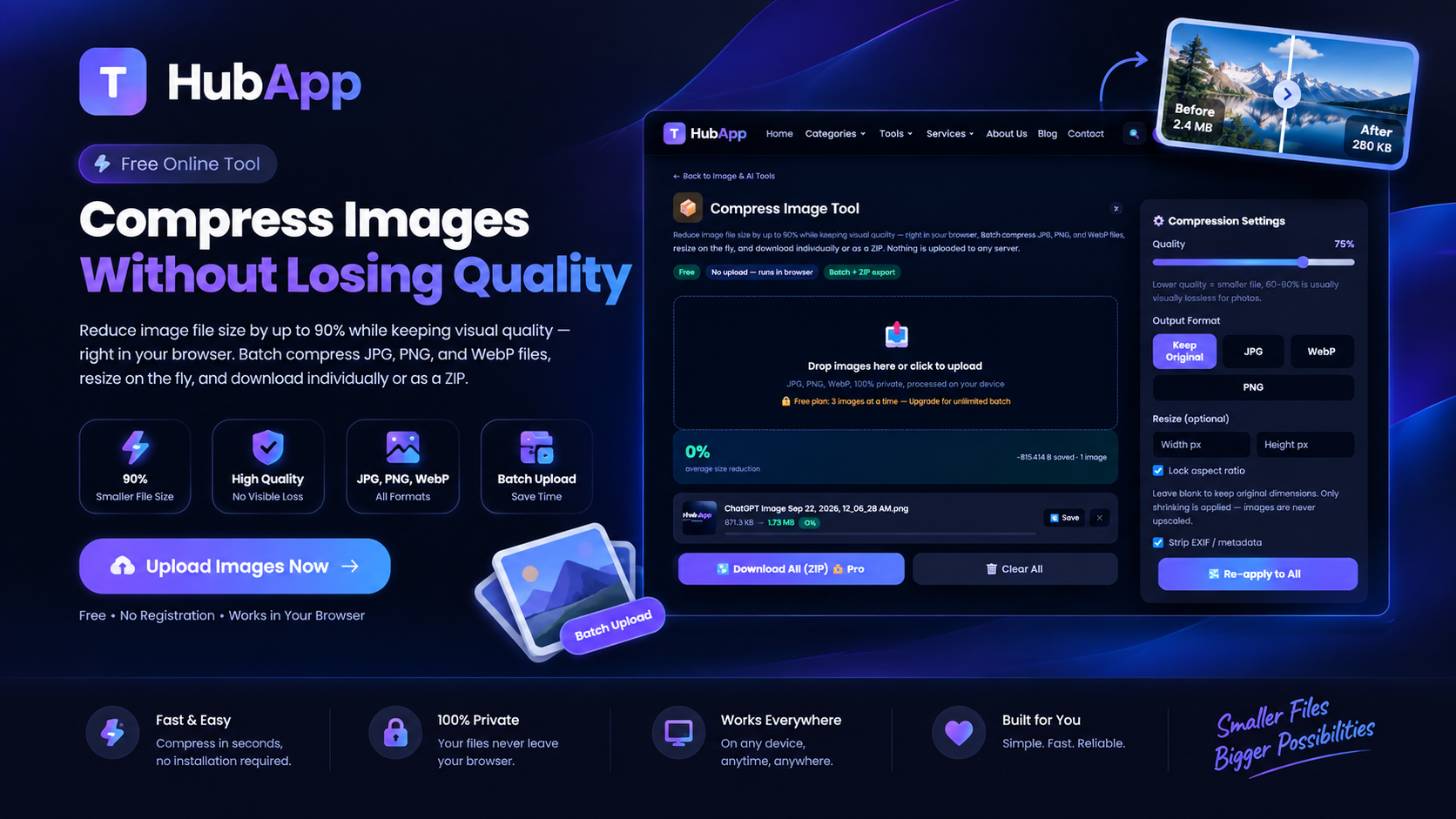
A single uncompressed photo from a modern phone camera can be 4-8MB. Multiply that across a website with a dozen product images, and page load times slow to a crawl — which directly hurts both user experience and Google rankings. Compression fixes this, and done right, you won't notice a quality difference.
Why Compress an Image at All
- Faster websites — smaller image files load faster, and page speed is a ranking factor for SEO
- Email and upload limits — many forms and email providers cap attachment sizes
- WhatsApp and messaging apps — smaller files send faster on slow connections
- Storage — dozens of compressed images take up a fraction of the space
How to Do It
Upload the image to the Image Compressor and it reduces the file size automatically — for most photos, this cuts the size by 60-90% with no visible difference at normal viewing sizes.
Lossy vs Lossless Compression
There are two approaches worth understanding:
- Lossless compression shrinks the file by removing redundant data with zero quality loss — but the size reduction is modest.
- Lossy compression (what most image compressors, including JPEG itself, use) discards some detail the human eye barely notices — and can shrink files dramatically. The trick is stopping at the point where file size drops a lot but quality loss is still invisible.
Getting the Best Result
- Start with the largest original you have — compressing an already-compressed, already-small image gives worse results than compressing a high-quality original once.
- Match the format to the content. JPEG compresses photos well; PNG is better for screenshots, logos, and images with flat colors or text, since JPEG compression can blur sharp edges.
- Resize before compressing if the image is being displayed smaller than its original resolution — a photo displayed at 800px wide doesn't need to be a 4000px original.
FAQ
Will compression make my images blurry?
At reasonable compression levels, no — the quality loss is designed to be imperceptible. Extreme compression settings can introduce visible artifacts, which is why moderate compression is usually the sweet spot.
Does compressing an image affect its dimensions?
No — compression reduces file size, not pixel dimensions, unless you separately choose to resize.
Can I compress the same image multiple times?
You can, but each round of lossy compression loses a little more quality — always compress from the original, not from a previously compressed copy.